
Enter student work in the PAEA 2019 Conference Virtual Student Art Exhibit!
Submit Student Work by Friday, October 11, 2019. All PAEA members are invited to submit an unlimited amount of works. Find some work you’ve photographed from last or this year!
This year, we’re excited to use projectors for our student exhibit.
All Student work will also be displayed on this website.
The image size should ideally be 1920×1080 px. 72 resolution.
Submissions will be accepted even if you cannot format to these dimensions.
We’ll take care of the rest!
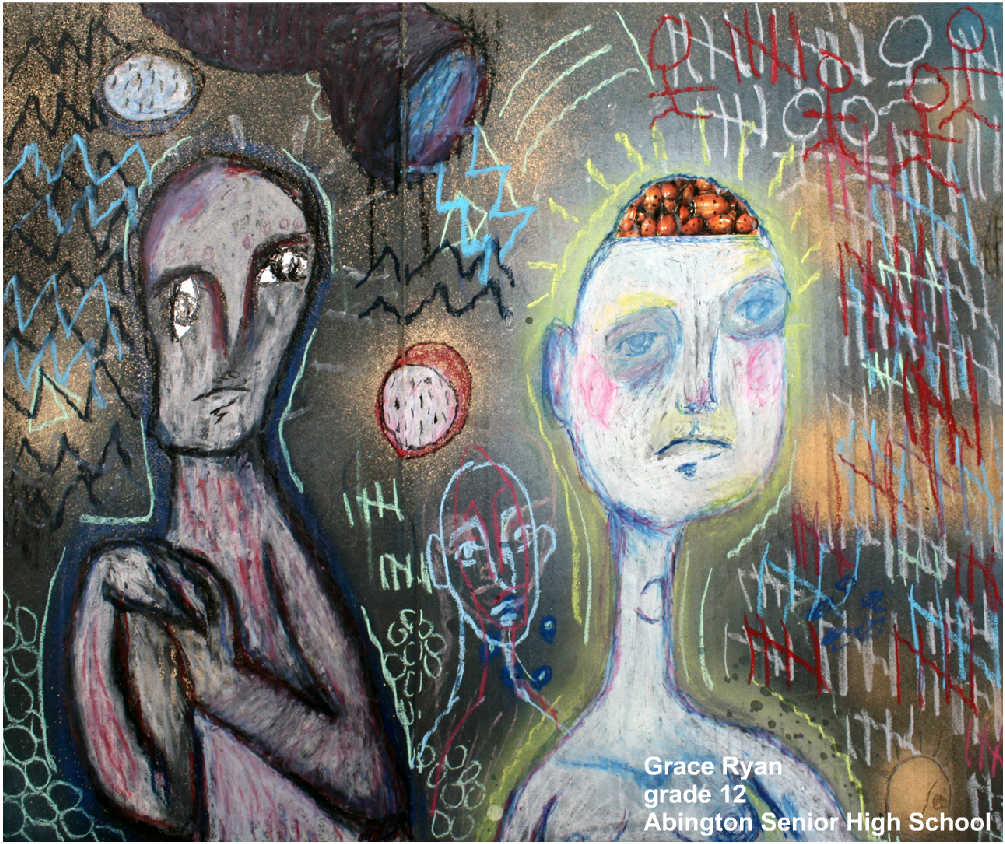 To Enter: Easy as 1, 2, 3
1. Teacher: Prepare the Work
Use https://pixlr.com/editor/ to ensure the correct text format your entries.
Works submitted without this label will not be exhibited.
Use Pixlr.com/editor to ensure the correct text format your entries.
- Works submitted without this label will not be exhibited.
- Go to Pixlr.com/editor
- Click “Open Image From Computer” Choose your image and open it.
- Click on the “A” (Insert Text) on the left side toolbar
- Format for Label:
- Student First Name,
- Last Name
- Grade #
- School District
- Verdana Font
- Font color > White
- Style: Bold the text Click “OK”
- Right justify the text
- Use the arrow tool to drag the text box
- Export the labeled photograph
- File > Save
Very Important!
Rename the file with the student’s last name underscore first initial ex. “smith_j.jpg”
2. Teacher: Submit your Work
- Go Here to submit the work!
- (this link uses a safe google script to place it in our google drive)
- Works submitted without the label as described above will not be exhibited.
-
Questions?
- We’re keeping a list of submissions that have both artwork and permissions received. Click here to see the inventory.
- We’re also keeping a list of submissions that we have without permission secured. Here is a link to view that list.
- Contact Robb Bomboy at: robb.bomboy@gmail.com
3. Parent and Student Permission:
-
Make sure the Student visits this online form. It secures permission. Works submitted without this permission will not be exhibited.
- Here is a note to send home as a reminder or attach to an email. It directs parents to visit the permission form below.
- Download Permission-note-for-parents-2019